Private by Default, Open in an Emergency
The path from a random emergency code to an audited, time-boxed grant.
From Scan to Summary
- 1
Scan
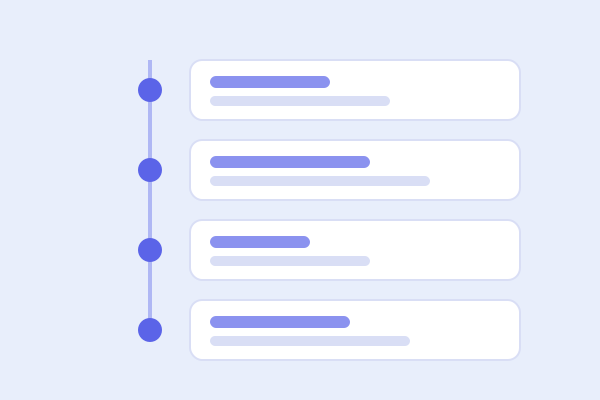
A first responder scans the wallet card, wristband or NFC tag. The code opens an emergency gate that shows no personal data unless the patient chose to enable a minimal public badge.
- 2
Sign in and state a reason
A clinician whose licence has been checked signs in with a six-digit authenticator code and picks a clinical reason. Choosing “Other” requires written justification.
- 3
Read the summary
The clinician gets a read-only, sub-50 KB triage page for 60 minutes. The patient and their emergency contacts are alerted straight away, and the access is added to the audit chain.
- 4
Co-sign for full history
To see the multi-year history, a second, distinct attending clinician signs in on their own device and co-signs with a justification.
Private by Default,
Open in an Emergency
A patient is issued a random emergency code. Scanning it shows nothing personal until a verified clinician signs in, states a clinical reason and receives a read-only, 60-minute grant. The patient and their contacts are notified immediately.
Patient, Encounter, Condition, Observation, DiagnosticReport, MedicationStatement, AllergyIntolerance and DocumentReference.
Single-region deployment designed around the Nigeria Data Protection Act 2023 and MDCN licensing. Not yet legally reviewed.
Verified Clinicians, Clear Responsibilities
Every clinician's licence is checked before access (a manual process in this demo) and they sign in with a second factor. What they can see depends on their role and the patient’s consent.

Break-Glass Responder
Triggers emergency access with a mandatory clinical reason. Sees the minimal triage summary for 60 minutes.

Treating Clinician
Reads and adds to a patient’s record at the facility, after the patient approves in-app or by SMS OTP.

Full-History Co-Signer
A second, distinct attending clinician who co-signs on the terminal to unlock the multi-year history.